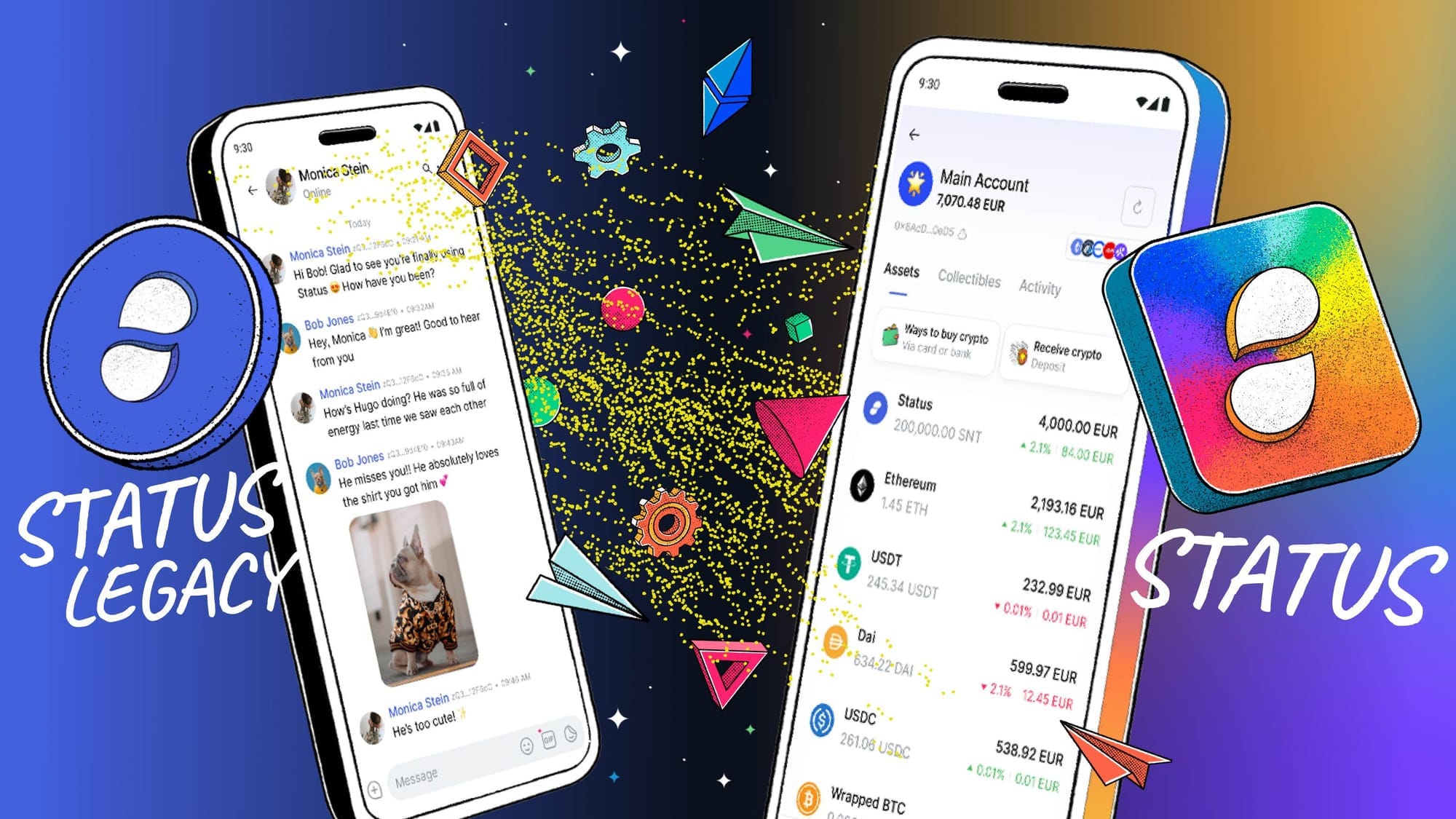
If you’re currently using the Clojure-based Status Legacy Mobile app, now is a great time to switch to the new unified Status Mobile app (referred to as Status Mobile app in this article). All ongoing improvements, new features, and performance updates will be delivered in the new app going forward.
You can install the new Status Mobile app alongside your Legacy Status Mobile app and migrate your existing Status profiles. See the “Migrating Data from Status Legacy to Status” section below for step-by-step instructions.
The Status Mobile app is now available for download on the Google Play Store and the Apple App Store, with F-Droid coming soon.
Google Play Store: Download Status Mobile from Google Play
Apple App Store: Download Status Mobile from the App Store
Note: The iOS app has the SWAP, Bridge, and Buy Crypto features disabled in this release to ensure it passes App Store review. The team plans to restore these features in an upcoming release.
F-Droid: The development team is currently working on merging Status Mobile app release v2.37 into the F-Droid repository. Progress can be tracked here: F-Droid merge request. The Status Mobile App will be released on F-Droid once the merge is successful.
- UI/UX Adaptation: The team is gradually evolving the Status mobile app toward a more mobile-native look and feel. While the main user flows are functional, some may still be blocked or imperfect. Please report any issues on GitHub (after checking for duplicates). It is an ongoing work over several releases.
- Note:
- if the text size appears too small on your device, go to Settings → Appearance → Text Size to adjust it.
- if you are looking for more spacious or compact app interface, go to Settings → Appearance → Layout Spacing to adjust it.
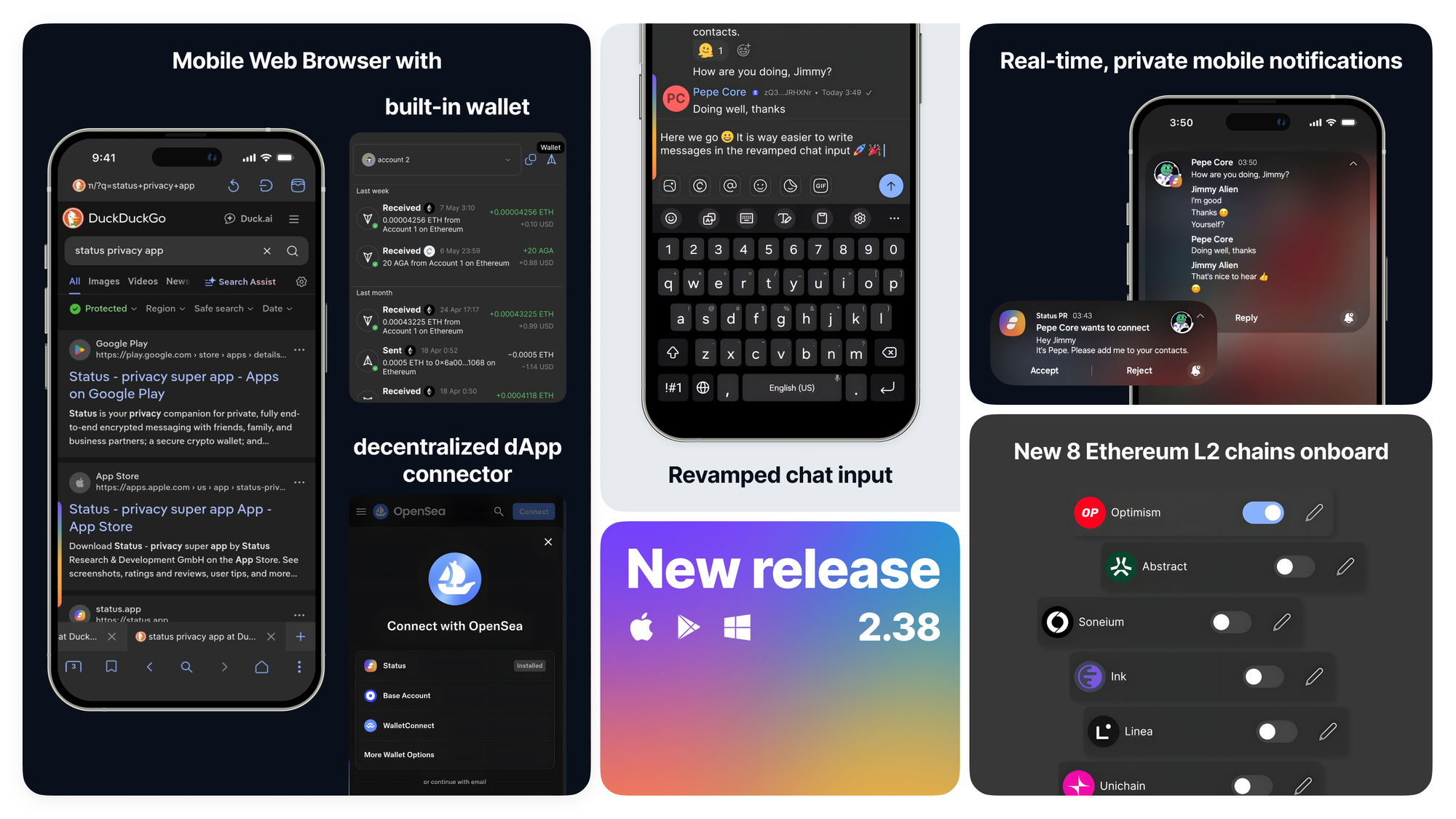
- Push notifications are in development and expected in v2.38.
Requirements:
• Update your Status Legacy app to v2.34.4
Google Play Store: Status Legacy on Google Play
Apple App Store: Status Legacy on the App Store
F-Droid: Status Legacy on F-Droid
• No recovery phrase required.
• For iOS users: update your Status Desktop app to v2.36 or greater at status.app
Security and privacy of Status syncing:
• End-to-end encrypted using your profile private key.
• Pairing occurs only via your local network.
Migration steps:
- 1Update your Status Legacy app to v2.34.4
Google Play Store: Status Legacy on Google Play
Apple App Store: Status Legacy on the App Store
F-Droid: Status Legacy on F-Droid - 2Go to Settings → Syncing and Backup → Paired Devices.
- 3Tap + to start a new sync.
- 4Optionally, enable the message syncing toggle if you would like to sync your direct, group, and community messages alongside the other data of your Status profile.
- 5Follow the in-app pairing instructions (the “i” icon in the top-right corner) for syncing:
- Android: You can pair your Status Legacy app directly with Status on the same device using your pairing code.
- iOS: You need to first sync your Status Legacy with Status Desktop (you need to be on Status Desktop v2.36 or greater), then sync Desktop with the unified Status mobile app (Status) since iOS doesn’t support syncing the two mobile apps on the same device.
- 6Install and open the unified Status mobile app (Status) from:
- Google Play Store: Download Status Mobile from Google Play
- F-Droid Store: The development team is currently working on merging Status Mobile app release v2.37 into the F-Droid repository. Progress can be tracked here: F-Droid merge request
- 7On “Welcome Back”, select Log in
- 8Optionally, choose whether to share usage data
- 9On “Log in”, select “Log in by syncing”
- 10Enable Local Network access if prompted
- 11Choose QR or Code entry method.
- 12Optionally, choose to enable biometrics to fill in your password.
- 13Repeat for each profile you wish to migrate.
Requirements:
• Update your Status Legacy app to v2.34.4
Google Play Store: Status Legacy on Google Play
Apple App Store: Status Legacy on the App Store
F-Droid: Status Legacy on F-Droid
• Your Status recovery phrase is required.
Security and privacy of Status backups:
• Encrypted with your profile's private key.
• On-device backup files are created and stored only on your device.
Migration steps:
- 1Update your Status Legacy app to v2.34.4
- Google Play Store: Status Legacy on Google Play
- 2Go to Settings → Syncing and Backup → Backup.
- 3Optionally, enable the message backup toggle if you would like to sync your direct, group, and community messages alongside the other data of your current Status profile.
- 4Tap “Back up data locally” to create and save your current Status profile backup file. You can choose any location on your device to save your backup file.
- 5Install and open the unified Status mobile app from:
- Google Play Store: Download Status Mobile from Google Play
- F-Droid Store: The development team is currently working on merging Status Mobile app release v2.37 into the F-Droid repository. Progress can be tracked here: F-Droid merge request
- 6On the Welcome screen, select Log in.
- 7Optionally, choose whether to share usage data.
- 8On “Log in”, select Enter Recovery Phrase.
- 9Paste or type your Status recovery phrase and create a password.
- 10On Import Local Backup, either:
- Select “Import from file…” to import your current Status profile backup file saved on step #4 above, or
- “Later” to skip for now and later go to Settings → Syncing → Import Local Backup File.
- 11Optionally, choose to enable biometrics.
- 12Repeat for each profile you wish to migrate.
We’re excited to enter this new chapter for Status, bringing a unified app experience across Desktop and Mobile that empowers privacy-preserving communication and crypto self-custody for everyone.
Important note: An issue in the Status Legacy app prevents Keycard users from creating on-device backups required to migrate their data (profile settings, messages, contacts, joined communities, etc.) together with their Status Keycard profiles. As a result, Keycard users can currently only migrate their Status Keycard profiles without their data (profile settings, messages, contacts, joined communities, etc.), following the instructions below.
Because this issue is in the Status Legacy codebase, which is difficult to troubleshoot and fix, the development team would like to hear feedback from Keycard users affected by this issue. If you are a Keycard user affected by this limitation and believe it should be fixed, please leave your feedback on the following GitHub ticket: Status Legacy GitHub issue #22676
Your feedback will help the team assess whether it is worth investing effort into fixing this issue in the Status Legacy app.
Migration steps for Status Keycard profile:
- 1Install and open the unified Status mobile app from:
- Google Play Store: Download Status Mobile from Google Play
- F-Droid Store: The development team is currently working on merging Status Mobile app release v2.37 into the F-Droid repository. Progress can be tracked here: F-Droid merge request
- 2On the “Welcome ” screen, select Log in.
- 3Optionally, choose whether to share usage data.
- 4On “Log in”, select Log in with Keycard.
- 5Skip the "Import local backup" step
- 6Optionally, choose to enable biometrics.
- 7Repeat for each Keycard profile you wish to migrate.
Status app is still in active development, so you may encounter bugs.
Your feedback helps us build the best app for secure crypto, private messaging, and community-owned spaces. You can report bugs on our GitHub, or share your thoughts directly in the feedback channel within the Status Community.
Don’t miss the latest news from Status – follow us on X or join our Community in the Status app to get the latest news and updates!
Your use of the Status apps is subject to the Status Terms of Use and Privacy Policy.