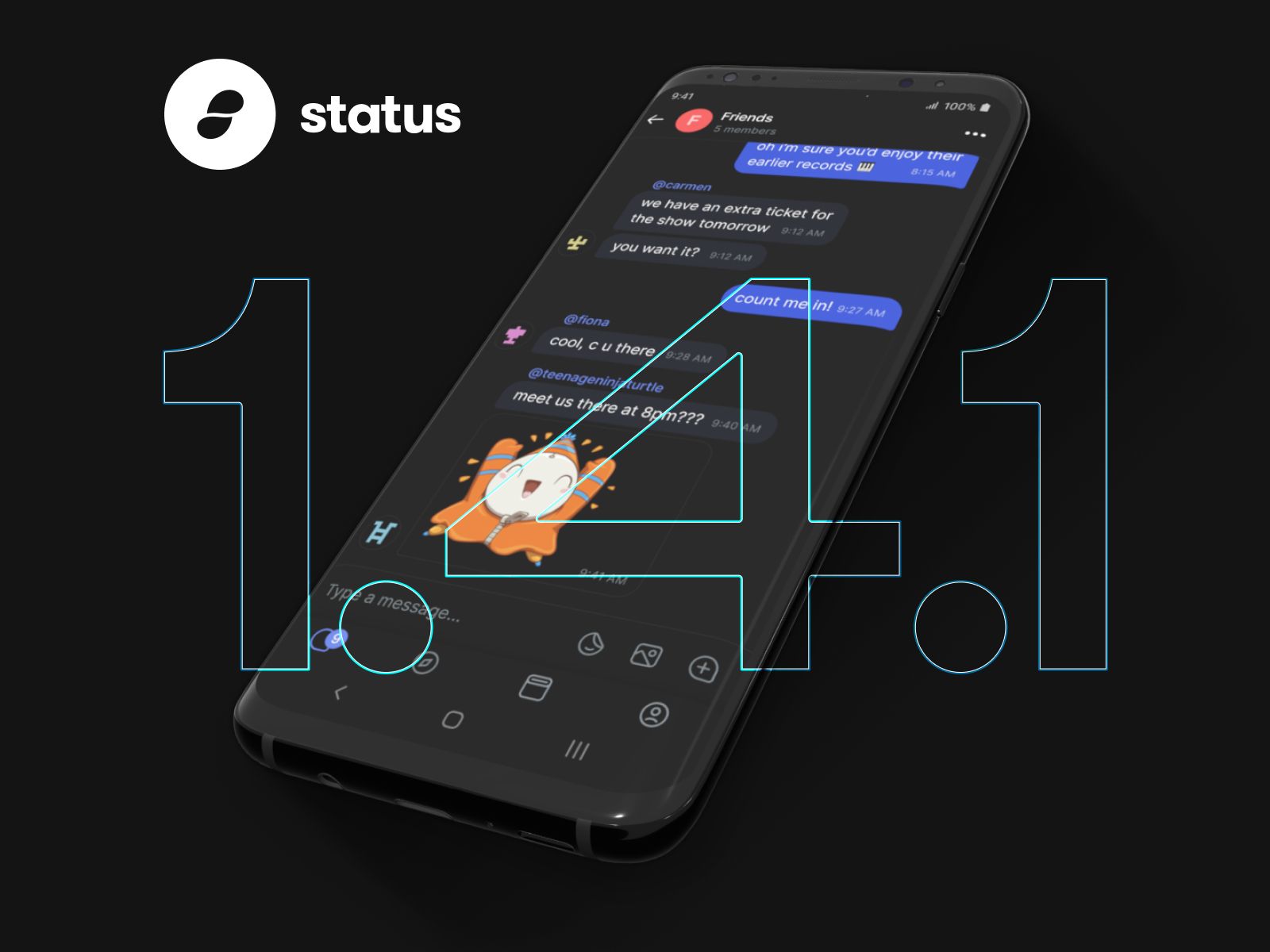
Over the past few months we have built and shipped a number of exciting releases with new features including the Keycard integration, notifications, group chat and more. Sometimes we just need to introduce a few minor improvements to make the Status experience better.
This intermediate release, 1.4.1, includes bug fixes as well as UX and accessibility improvements. Most visibly, a gorgeous set of new icons, accessible input fields and toggling password entry visibility. Next to that the release includes updates to Notifications on Android, like being able to open Status, as well as close the notification service, directly from the notification banner.
Update in the App or Playstore if you do not have auto updates enabled.
The APK available is here.
For the full changelog, see our Github.
- Open the app and close the notification service from the notification banner
- More informative error messages for transaction overview contract and network fees
- Added a check for encoded characters in urls to increase browser security
- More accessible text input
- Replace icons with a more unified, carefully crafted set
- Update connectivity snackbar to explain messages can still be send and received when offline; only history does not sync
- ENS name is no longer infinitely pending when transaction has failed
- Added explainer that restart of the app is required to Disable logs
- Changed notification icon styling to follow convention of other apps
- Fixed critical issue that caused occasional app crashes
- Now giving feedback when blocking users is in progress
- Apply dark mode/light mode changes to System panel
- Update balance of custom tokens to be visible upon adding the token
- Show chat view after chat search gives no results (chat list showed up empty)
- Bring back numpad to sign with Keycard after dismissing an error (e.g. having tapped an unpaired card)
- Keyboard changes (include decimals for amount input and auto-capitalization)