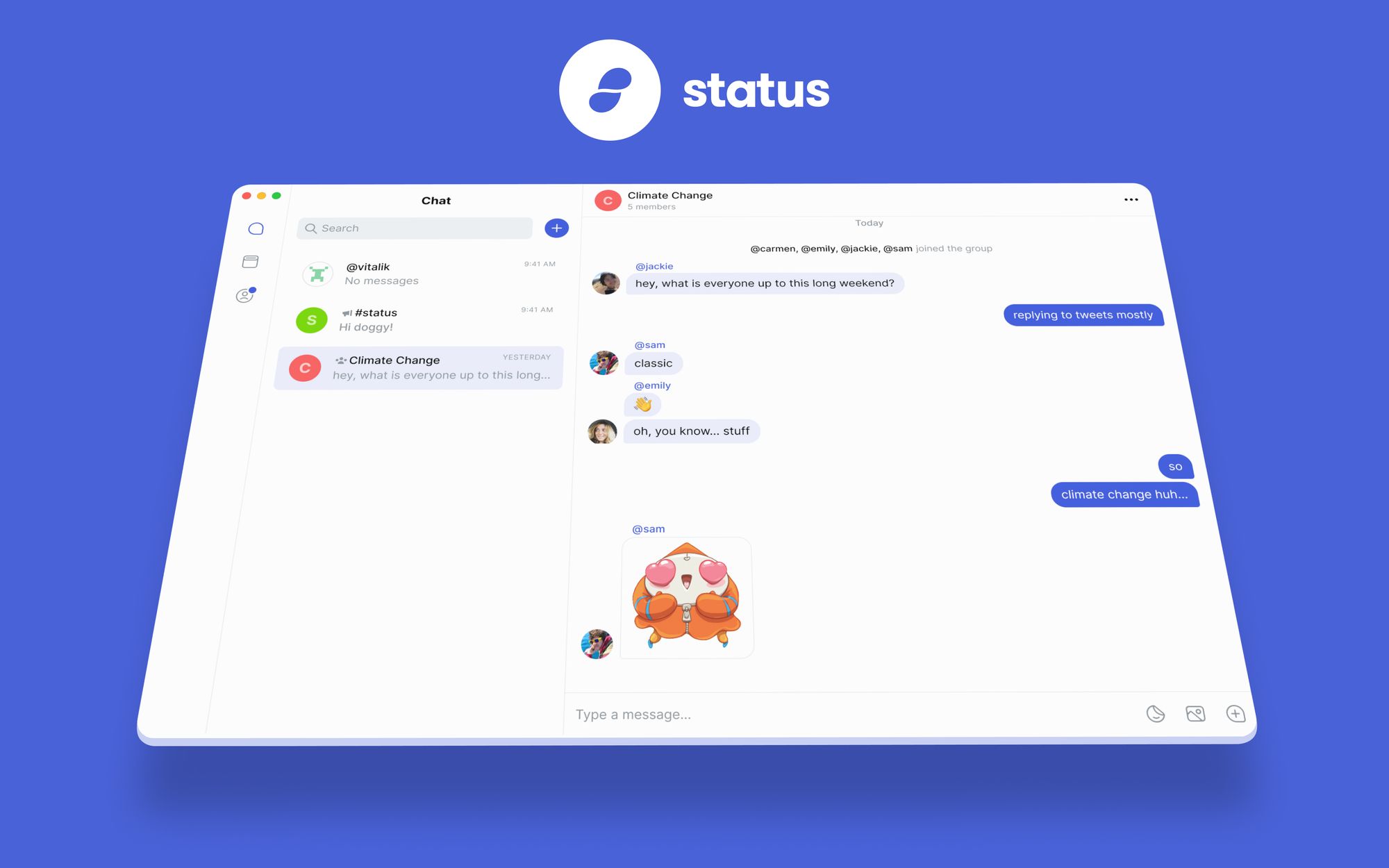
Status Desktop was re-introduced to the world two weeks ago with beta v0.1.0. It marked a major milestone for Status in enabling private, secure communication no matter where you are. The initial beta included many of the great features seen in the mobile app including private 1:1 chats, private group chats, and public messages, but as with beta software, there is much to be done.
Fortunately, the team is making great progress, rapidly merging features to make Status Desktop a truly viable replacement for the centralized mainstream messengers in use today. In just two short weeks since launching the beta, they have introduced a number of new features, fixes, and updates in v0.1.0-beta.2. Notably, Status Desktop has a redesigned input box along with a suite of UI updates.
Chat becomes more enjoyable with things like a displayed emoji list when typing an emoji name and some UX improvements for long messages.
The wallet is still hidden by default but accessible via advanced settings. The Web3 DApp browser is also still missing until a formal security audit is completed. See the full list of what has been added, changed, and fixed below.
Download and install the latest Status Desktop v0.1.0-beta.2 for Mac, Windows, or Linux.
If you have any comments, suggestions, or feedback, please join the Status Public channel #status-desktop.
**Status Desktop is un-audited, beta software and builds are available for testing. For this reason, upon installation, you will need to drag Status into the applications folder on your desktop and then manually open the app: right click >> Open
Added:
- Display emoji list when typing an emoji name with a colon
- New, redesigned input box
- Add a read more button and crop text when message is too long
- Introduce a character limit with a char limit counter UI
- Implement seed word phrase counter
- Use system light/dark mode by default
- (Chat): show ‘no search results’ message
- Implement new design for the nickname popup
- Implement design for the new messages box in chat
- Load more transactions with a button
- Beautify the hex values in transaction history
- View & Download unfurled images
- Implement design for the emoji picker (with colon)
- Add sticker loading UI
- Implement loading state UI: Obtain sticker packs when clicking on (+)
- Add PowerShell script for build environment setup
Changed
- Update key generation button design
- Improve the design of the transaction history tab and transaction history modal popup
- Update translations
Fixed
- Issue with eCryptfs
- Windows image upload crashing
- Remove sent badge
- Support dark mode in onboarding screens
- UI fixes: new chat input
- Add margin between group header messages and fetch-more bar
- “Contact / Not a contact” indicator was not being updated when an user was added/removed as contact
- Fix text in bubbles being too low
- Update generate keys button
- Change arrow button to ‘start chat’ for join public chat modal
- Issue with ENS primary username modal ui
- Adding a default color to account selector, and changing attribute payload to result
- Multiple fixes to chat layout and paddings
- UI fixes for compact mode
- Warning and suggested channels border and height
- Use SVGImage for better rendering in components that were not using them yet
- Light and dark theme color for the topbar
- Spacing around links
- Loading all cryptokitties from an account
- Estimating gas prevents transaction modal continue#
- Update StatusRoundButton colours
- Eth2Wei returning a bad string
- App Crashes after “Group Chat” is created
- Show the “scroll to bottom” button higher
- Misc fixes to ENS screens