
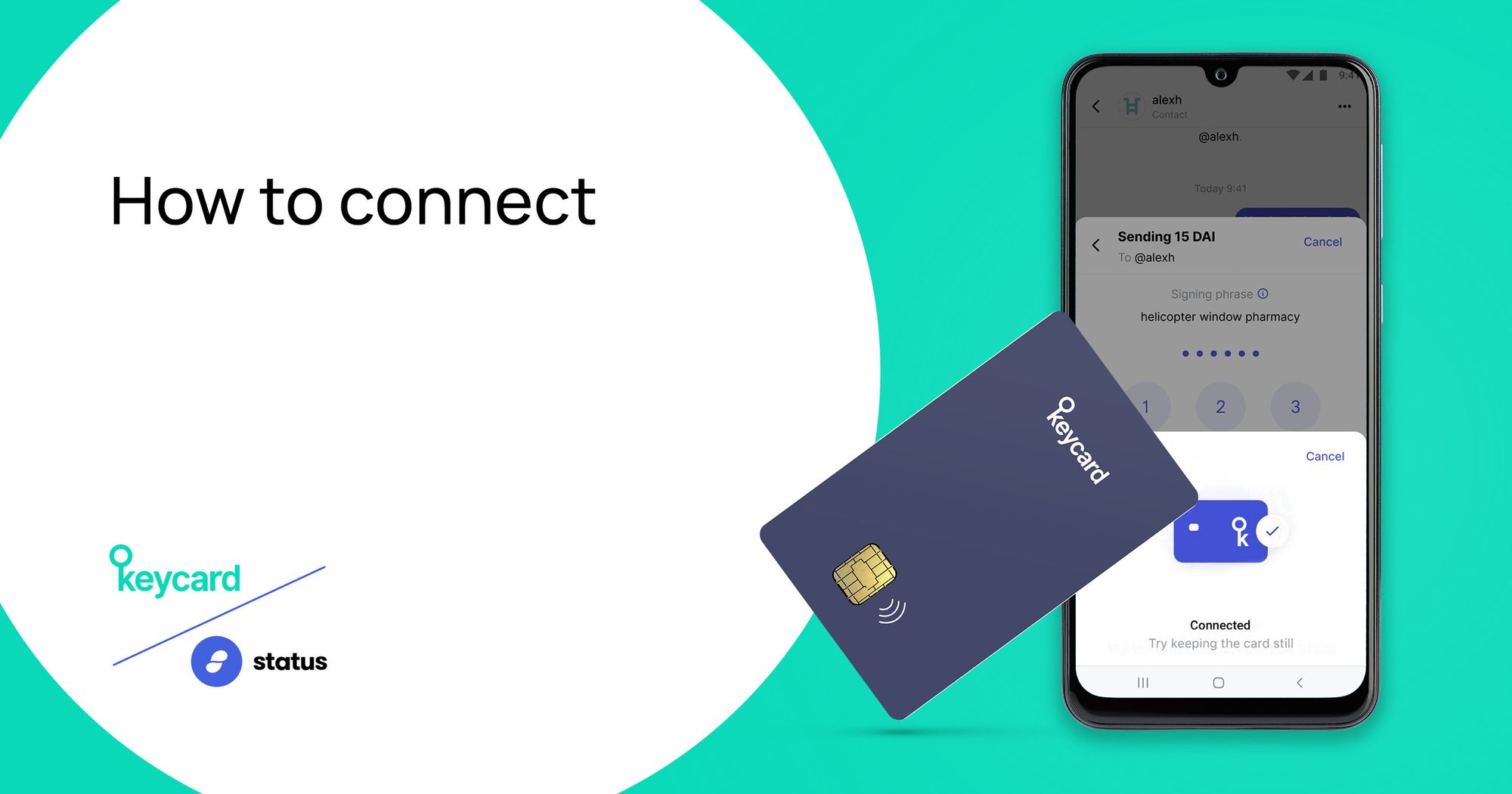
Follow these simple steps to connect your Keycard to your Status account for hardware enforced security.
The Keycard hardware wallet provides an additional layer of security to Status with 2 primary features:
- 1Cold Storage and hardware enforced authorization of transactions
- With private keys stored offline on the Keycard and full isolation between keys and the smartphone, users can add hardware-enforced authorizations for all transactions. - 2Two-factor authentication for account login - Keycard can be used as a two-factor authentication method to log into a Status Account. Users can require a physical tap of the card to their smartphone plus personal passcode entry for greater account security.
To download the Status App for free, visit the Google Play or the App Store. To purchase a Keycard for €29, visit get.keycard.tech.
Step 1 - Generate your keys on the Status app – Just like setting up an account without a keycard, you will first need to generate your keys and choose one of the random three-word names provided in the list.
Step 2 - Choose Keycard storage for your keys – Once you have selected a random three word name, choose `Keycard` as the storage option for your keys
Step 3 - Begin set up and pair your keycard to your phone – Bring the keycard next to your phone and go over 3 simple steps:
- 1Create a 6 digit passcode. This is like your password so choose a 6 digit code you can remember
- 2Write down the PUK code (personal unlocking key) and is required when you forget your passcode and need to reset it
- 3Write down your pairing code - this code is required to pair your keycard with a different phone
Step 4 - Back up your 12 word seed phrase – As always, this will be required to recover your keys if necessary